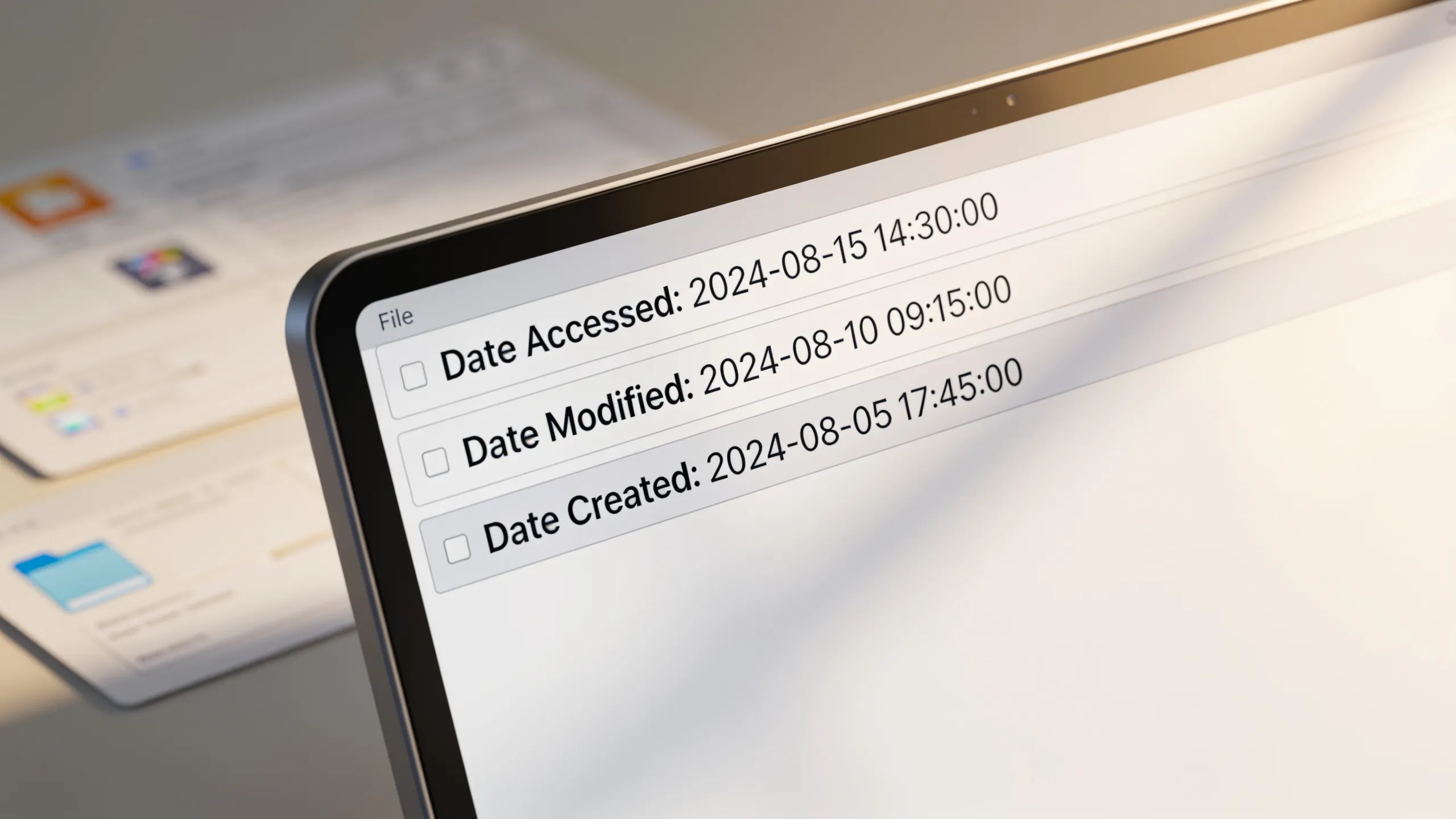
One of the essential aspects of file management in Python involves understanding how to access and manipulate file timestamps. The os module provides a simpler way to work with file system paths and their associated metadata, including access and modification times.
To retrieve the access and modification times of a file, you can use the os.path.getatime() and os.path.getmtime() functions. Here’s a simple example:
import os
import time

file_path = 'example.txt'

# Get access and modification times
access_time = os.path.getatime(file_path)
modification_time = os.path.getmtime(file_path)

# Convert timestamps to a human-readable format
print("Access Time:", time.ctime(access_time))
print("Modification Time:", time.ctime(modification_time))
These functions return the timestamps in seconds since the epoch, which can then be formatted into a more readable form using the time.ctime() function. It’s a quick way to ascertain when a file was last accessed or modified.
Additionally, if you want to change the modification time of a file, you can use os.utime() function. This function allows you to set the access and modification times to specific values:
new_access_time = time.time()  # Current time
new_modification_time = time.time() - 3600  # One hour ago

os.utime(file_path, (new_access_time, new_modification_time))
By passing a tuple containing the new access and modification times, you can effectively alter the timestamps of a file. This capability is particularly useful when dealing with file synchronization tasks or when you need to revert a file to a previous state.
Understanding the distinction between access, modification, and creation timestamps is also crucial. While access time indicates the last time a file was opened, modification time reflects the last time its content was changed. Creation time, however, is not directly accessible through standard library functions on all platforms, as it varies based on the file system being used.
To further illustrate, let’s consider how these timestamps can differ. If a file is opened for reading, the access time will update, but if you merely check the file’s properties without editing it, the modification time remains unchanged. Conversely, saving changes to the file updates the modification time but not the access time. This nuanced understanding helps in developing robust file handling logic.
Python’s os module provides additional utilities for monitoring file changes, such as os.stat(), which returns a stat result object containing various attributes, including the aforementioned timestamps:
file_stats = os.stat(file_path)
print("Access Time:", time.ctime(file_stats.st_atime))
print("Modification Time:", time.ctime(file_stats.st_mtime))
print("Creation Time:", time.ctime(file_stats.st_ctime))
Here, st_ctime provides the creation time on Unix systems, but note that on Windows, it reflects the time of the last metadata change instead. This behavior can lead to discrepancies in how timestamps are interpreted across different operating systems.
As you delve deeper into file handling, recognizing these subtleties can significantly enhance your programming proficiency. Consider how you might automate the tracking of these timestamps within your applications, perhaps for logging or auditing purposes. The potential for using this information is vast, leading to more efficient file management systems. You might find yourself pondering over the implications of timestamp manipulation in a multi-threaded environment or how file synchronization protocols use these timestamps to maintain coherence across systems. What happens when a file is modified but the access time remains stale?
Now loading...
Distinguishing between access, modification, and creation timestamps
When working with file timestamps in Python, it’s important to understand the implications of file access and modification times. These timestamps can provide insights into file usage patterns and inform decisions about file management strategies. The os module, along with the stat module, is instrumental in retrieving and manipulating these timestamps effectively.
To further clarify the distinctions among access, modification, and creation timestamps, consider the following definitions: access time (st_atime) indicates the last time a file was accessed, modification time (st_mtime) reflects the last time the file’s content was changed, and creation time (st_ctime) denotes when the file was created. The behavior of these timestamps can vary significantly depending on the operating system.
For instance, on a Unix-like system, the creation time can be somewhat ambiguous, as it may not be available in the same way it’s on Windows. On Windows, st_ctime is often used to represent the creation time, while on Unix, it reflects the last metadata change. This inconsistency necessitates careful consideration when developing cross-platform applications.
To illustrate the differences, let’s examine a scenario where you open a file for reading. In this case, the access time will update to the current time, but the modification time will remain unchanged unless you edit the file. If you save changes to the file, the modification time updates, but the access time does not. This behavior underscores the need for a nuanced understanding of how these timestamps operate in various contexts.
To further analyze file timestamps, you can use the os.stat() function to retrieve a comprehensive set of file metadata, including all three types of timestamps:
import os
import time

file_path = 'example.txt'
file_stats = os.stat(file_path)

print("Access Time:", time.ctime(file_stats.st_atime))
print("Modification Time:", time.ctime(file_stats.st_mtime))
print("Creation Time:", time.ctime(file_stats.st_ctime))
This approach provides a clear view of the file’s state and allows you to track changes over time. By storing these timestamps in a database or a log file, you can create a detailed history of file interactions, which could be invaluable for applications such as version control systems or backup solutions.
As you implement file handling routines, consider the implications of accessing and modifying these timestamps. For instance, if your application relies on synchronization with remote servers, you may need to ensure that the access and modification times are accurately reflected to avoid conflicts. Additionally, think about how your application might respond to changes in these timestamps, such as triggering events or notifications when a file has been altered.
Ultimately, using file timestamps effectively can lead to more efficient and reliable file management practices. Understanding the intricacies of access, modification, and creation timestamps will enable you to build applications that are both robust and responsive to user needs. By incorporating these principles into your programming, you can enhance the functionality and performance of your software solutions.


